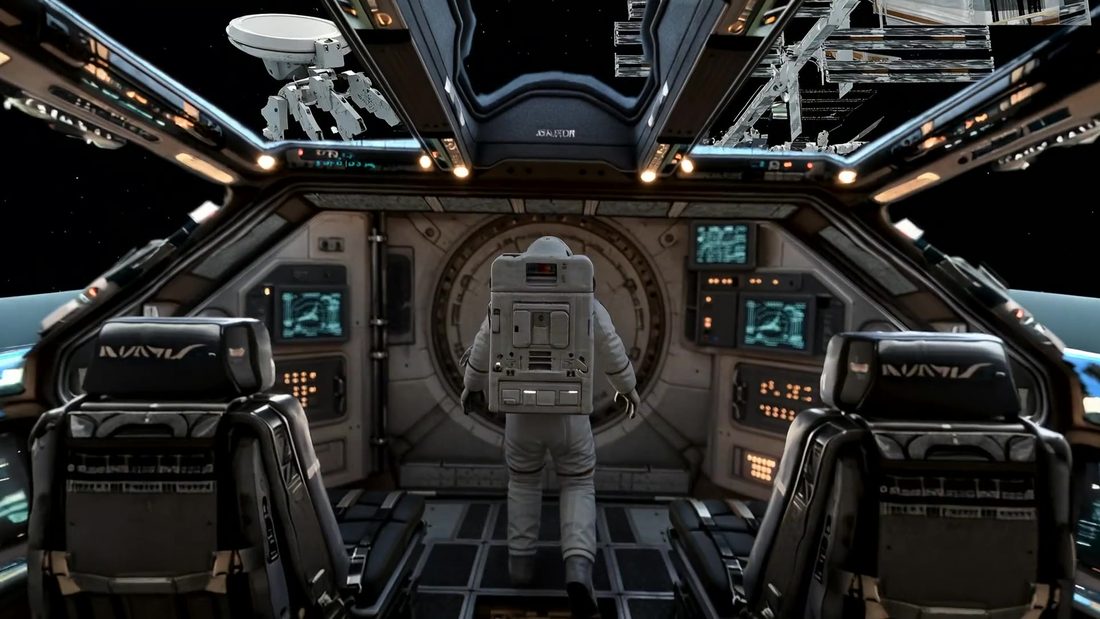
Take your seat.
Look around the cockpit and steer the spacecraft as Earth drifts past the windows. Find the station, satellite, or Moon.
Enter the cockpitA gift for someone you love
Explore Earth from orbit, step outside on a spacewalk, and create a personalized 3D postcard for someone you love.
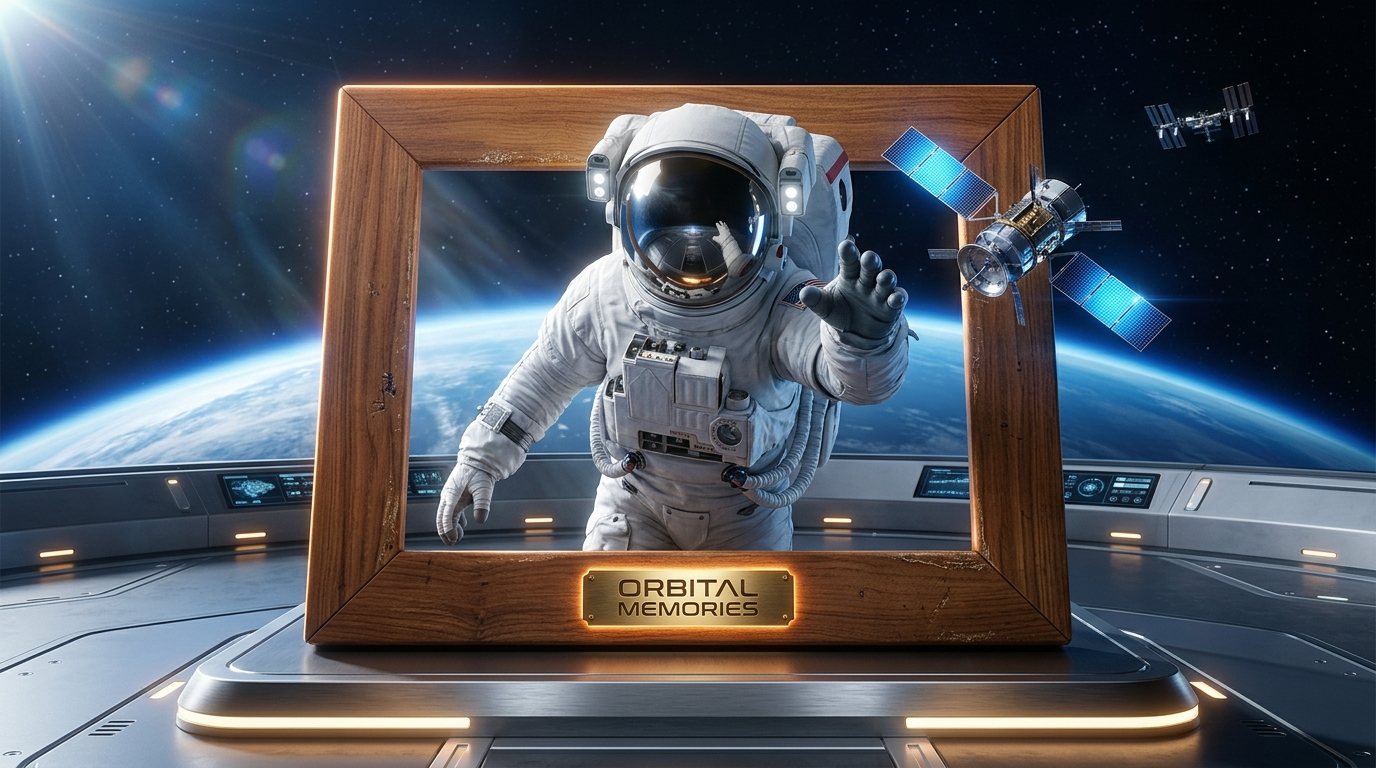
Very few people will ever see Earth from orbit. Here, the journey is yours to take.
Headset & browser guideThe journey
Look around, take the controls, and find your own view of the planet. Then turn that moment into a gift.
Look around the cockpit and steer the spacecraft as Earth drifts past the windows. Find the station, satellite, or Moon.
Enter the cockpit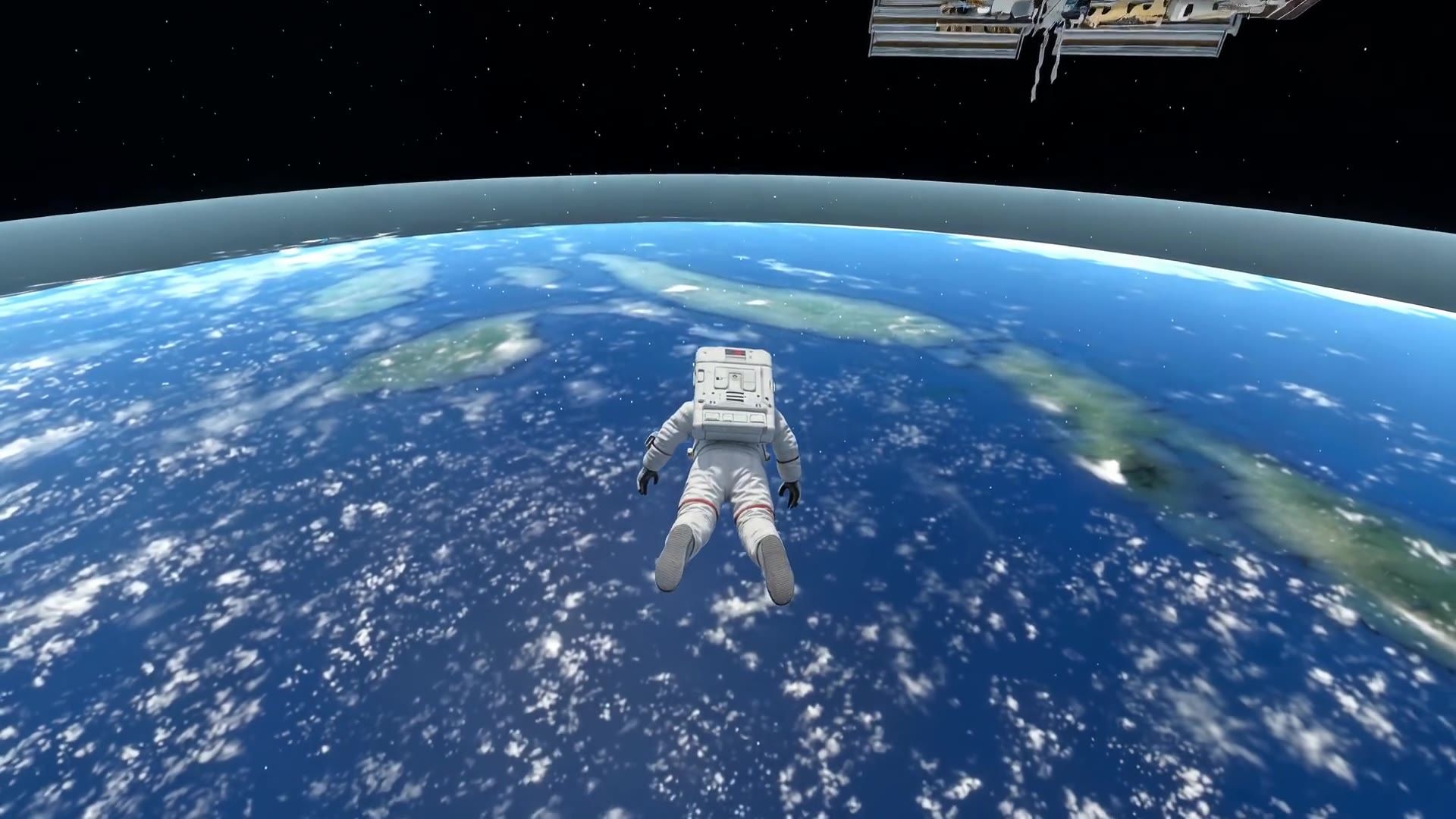
Float beside the spacecraft, explore the view above Earth, and listen to radio calls from mission control.
Take a spacewalk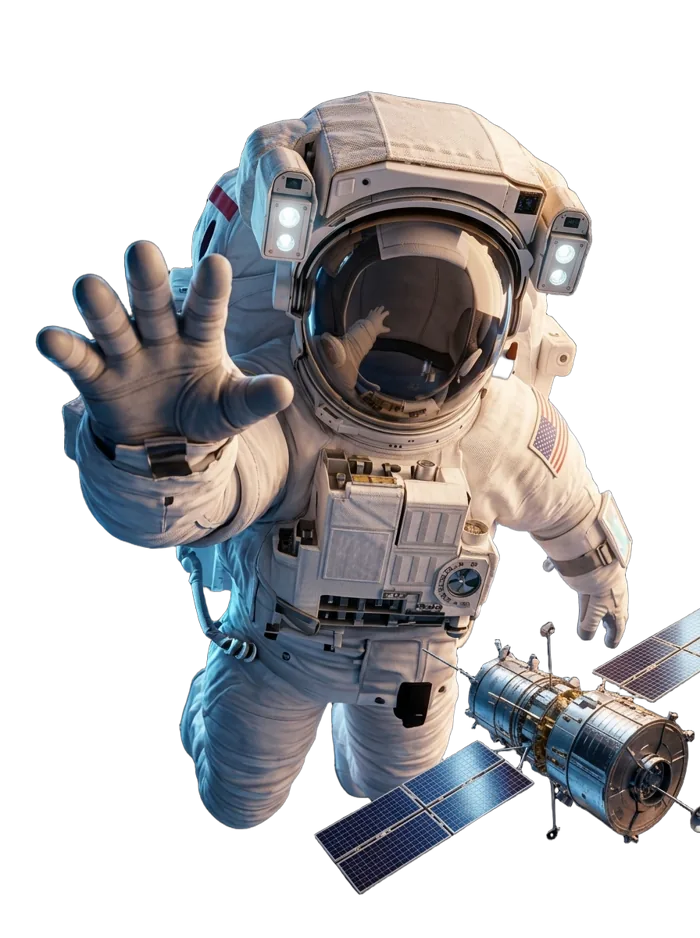
Put your face inside the visor, choose a frame, and create a keepsake to download or share with someone you love.
Open the postcard studio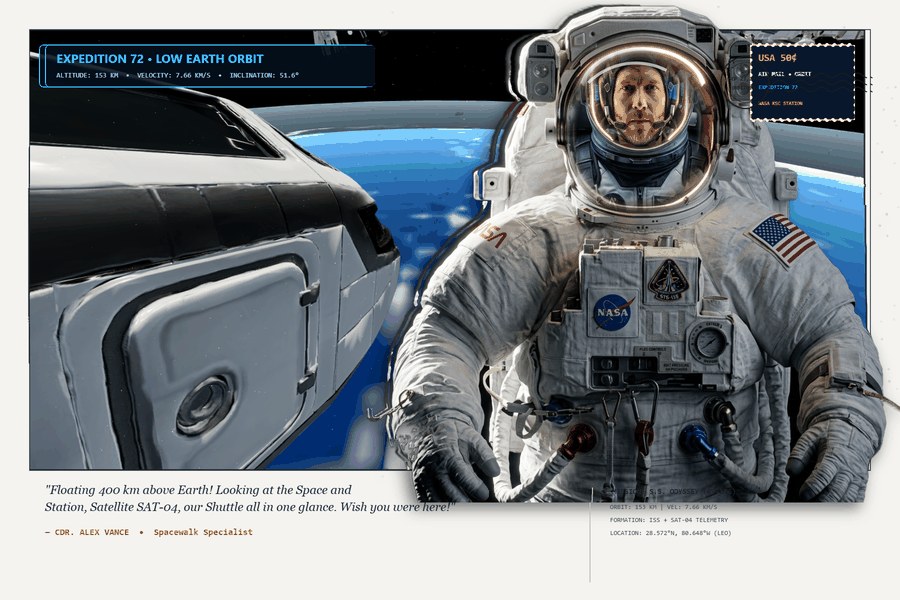
Your keepsake
A familiar face inside the helmet. Earth in the background. A little piece of your journey to keep, send, or explore in 3D.
Photo editing happens in your browser. Use an upload or webcam on a laptop or desktop.
Choose your window into space
Explore the orbital world in WebXR, or preview the journey on a screen. No app download is needed.
Use a WebXR-capable headset browser. The experience includes controller support for steering and spacewalking.
Best enjoyed seated. The VR button appears when immersive VR is supported.
Open the experienceUse a laptop or desktop for keyboard flight controls, photo editing, and postcard downloads.
Visiting on a phone? Watch the film or open the postcard studio and upload a photo.
Go straight to the studio| Drag | Look around |
| W / S | Pitch up / down |
| A / D | Turn left / right |
| Q / E | Roll |
| R / F | Raise / lower orbit |
| P | Open / close studio |
| Drag / wheel | Look around / zoom |
| W / S | Forward / back |
| A / D | Left / right |
| E / Q | Up / down |
| Spacewalk button | Return to cockpit |
| Left stick | Steer / move |
| Right stick | Up / down in EVA |
| Trigger or A/X | Cockpit / EVA |
| B / Y | Change orbit speed |
| Postcard studio | Use outside immersive VR |
The film
See the cockpit, spacewalk, and postcard studio in the project film. Then take the controls yourself.
Start your own journeyMusic: “Titan” by Scott Buckley · CC BY 4.0
Behind the world
Generated assets become a real-time orbital scene, an immersive browser experience, and a personal keepsake.
Tripo · 3D assets
The astronauts, seated pilots, satellite, and wooden frame were made with Tripo and prepared for the web. The exterior shuttle uses a model by Cécile Amstad.
World Labs Marble · panorama
The generated cockpit panorama surrounds the viewer, with a real-time Earth and orbital objects outside its windows.
Three.js · WebXR
Browser-based flight and EVA controls, headset viewing, and a personalized postcard studio connect the experience.
Your journey begins in the cockpit.